Customize fonts
GREAT DESIGNERS USE FONT CUSTOMIZER
Fonts are (great looking) tools. And we think designers should be able to change them, the same way people customize the weird and wonderful things in their lives.
That’s why our fonts come with lots of alternate characters, so you can fine-tune them to what your project needs. You can even change their name! Everybody loves a thing with their name on it (trust me).
This page shows you how to customize. And btw, it's free!
Customize Characters
After choosing your typeface, and right before checkout, launch the Font Customizer and select which alternate characters you’d like as your font’s default.
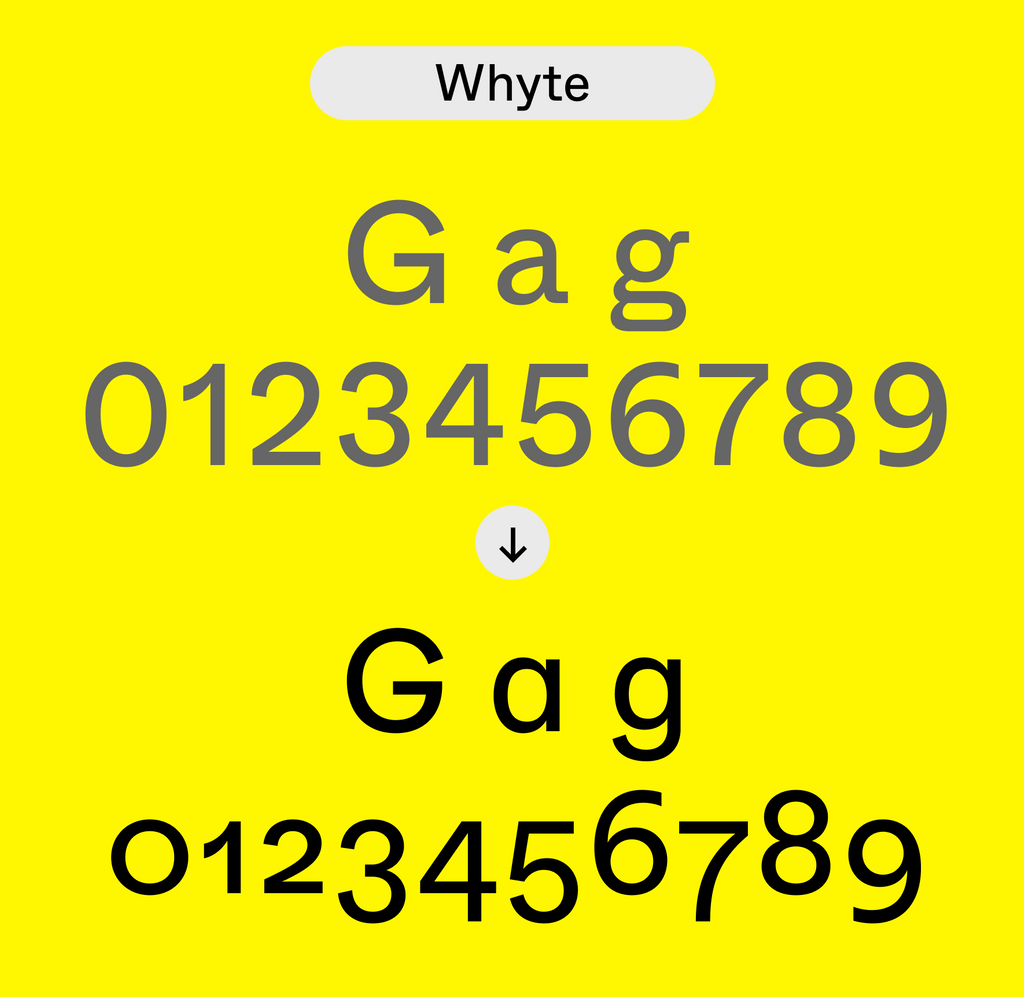
Say you like Diatype’s double-story a over the single-story a: make that choice, and our website generates personalized font files for you on the fly.

1) Select your typeface and font styles
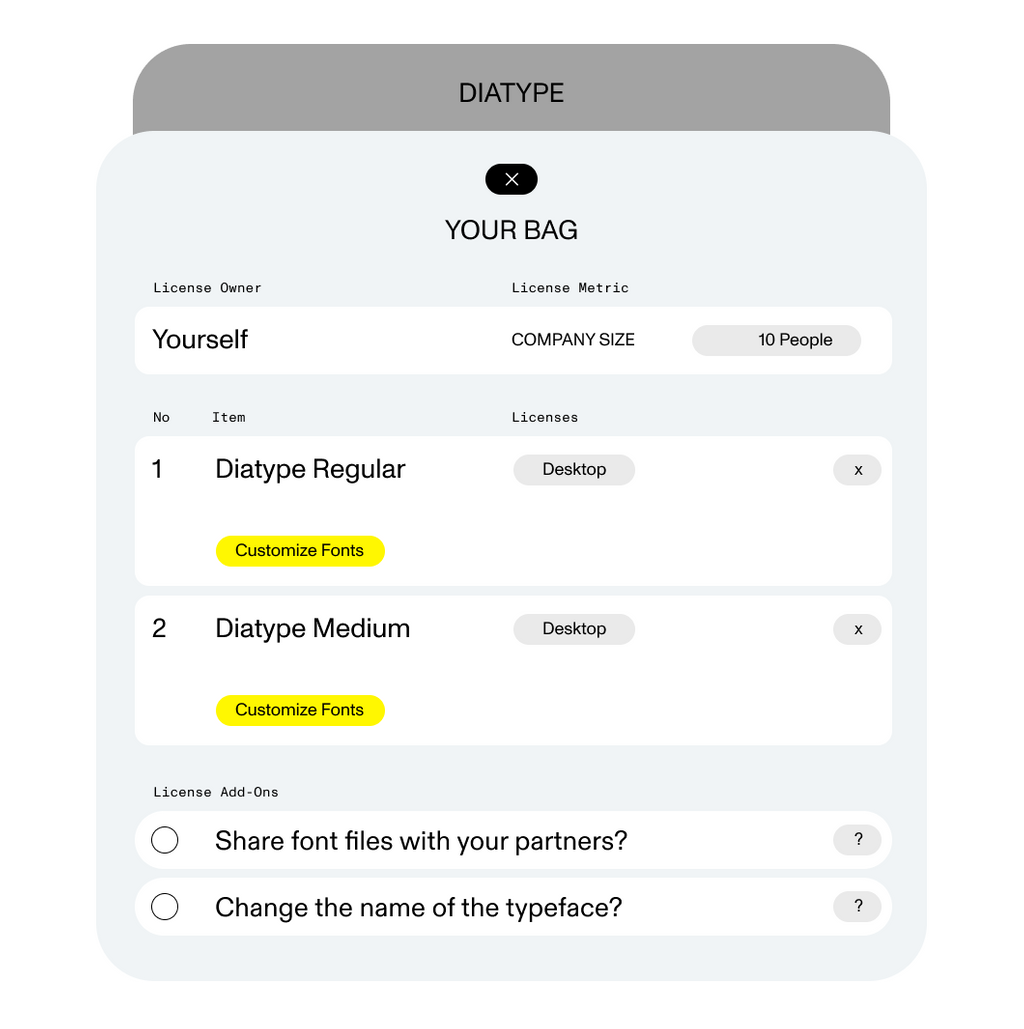
2) Click the yellow “Customize Fonts” button

3) Select your preferred alternates
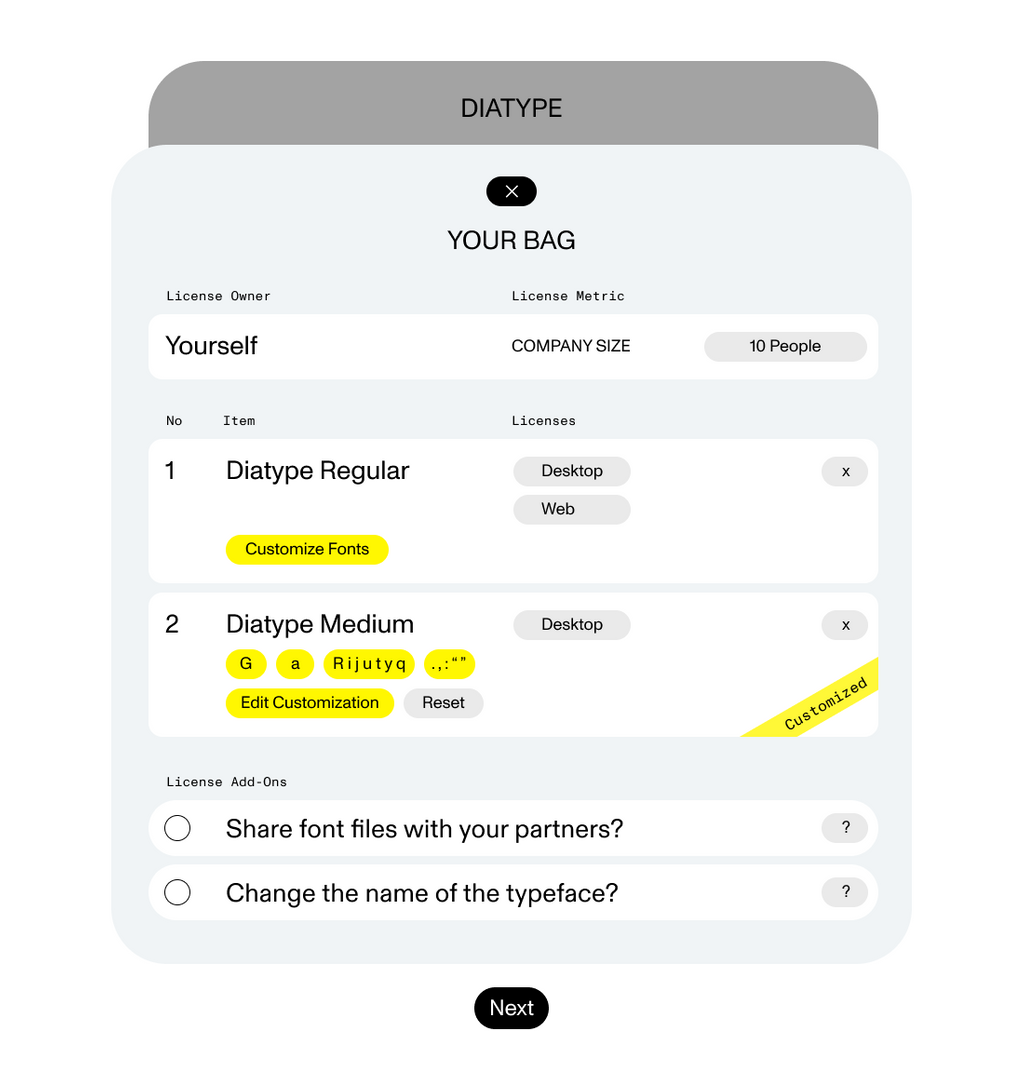
4) Your typeface is customized!
Tip: You don’t have to customize individual font styles one by one. You can also customize complete families, or bundles, containing many font styles — all in one go.
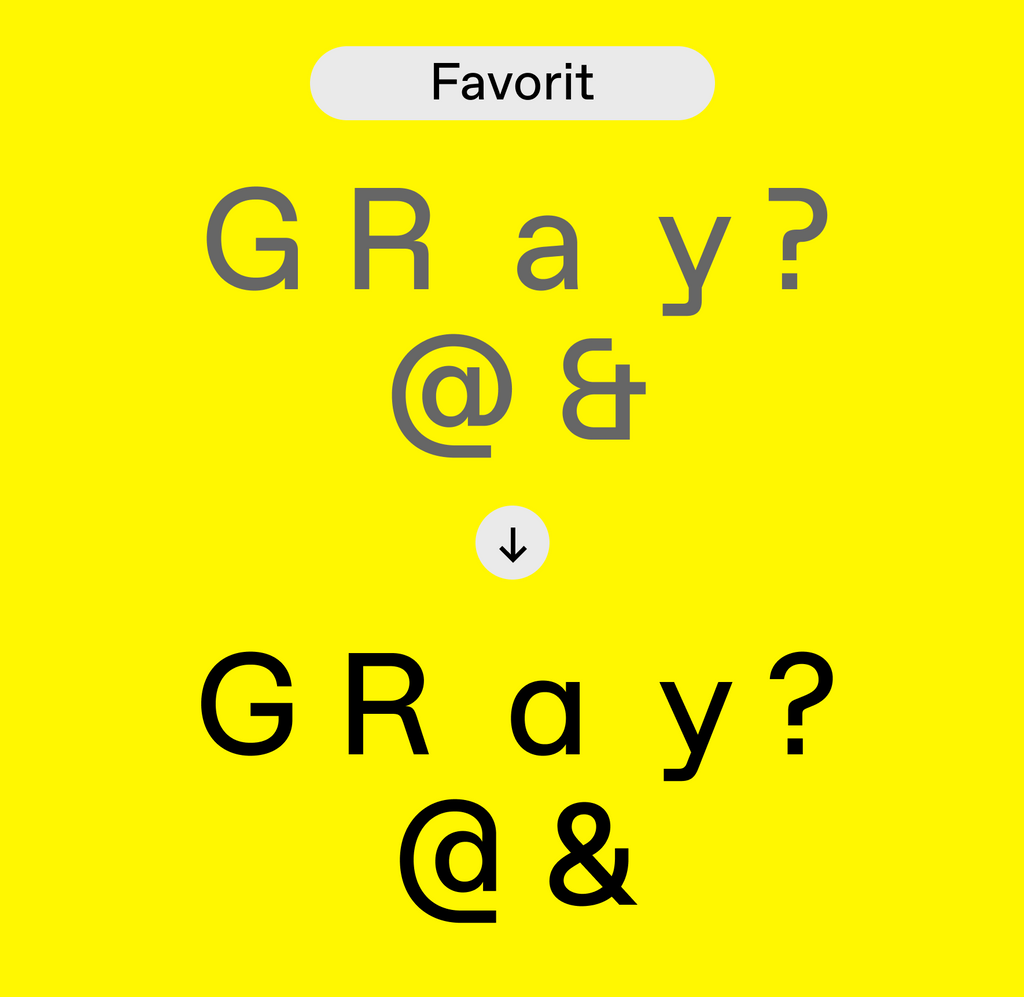
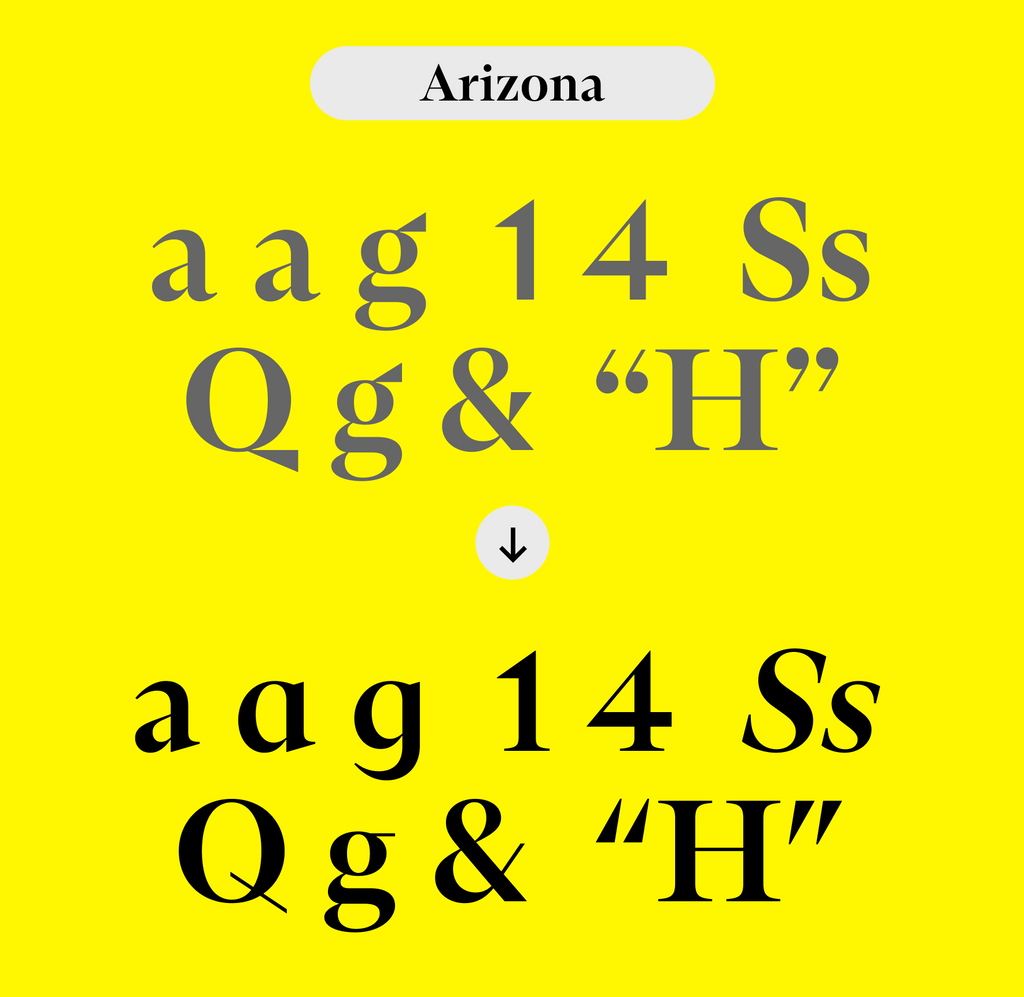
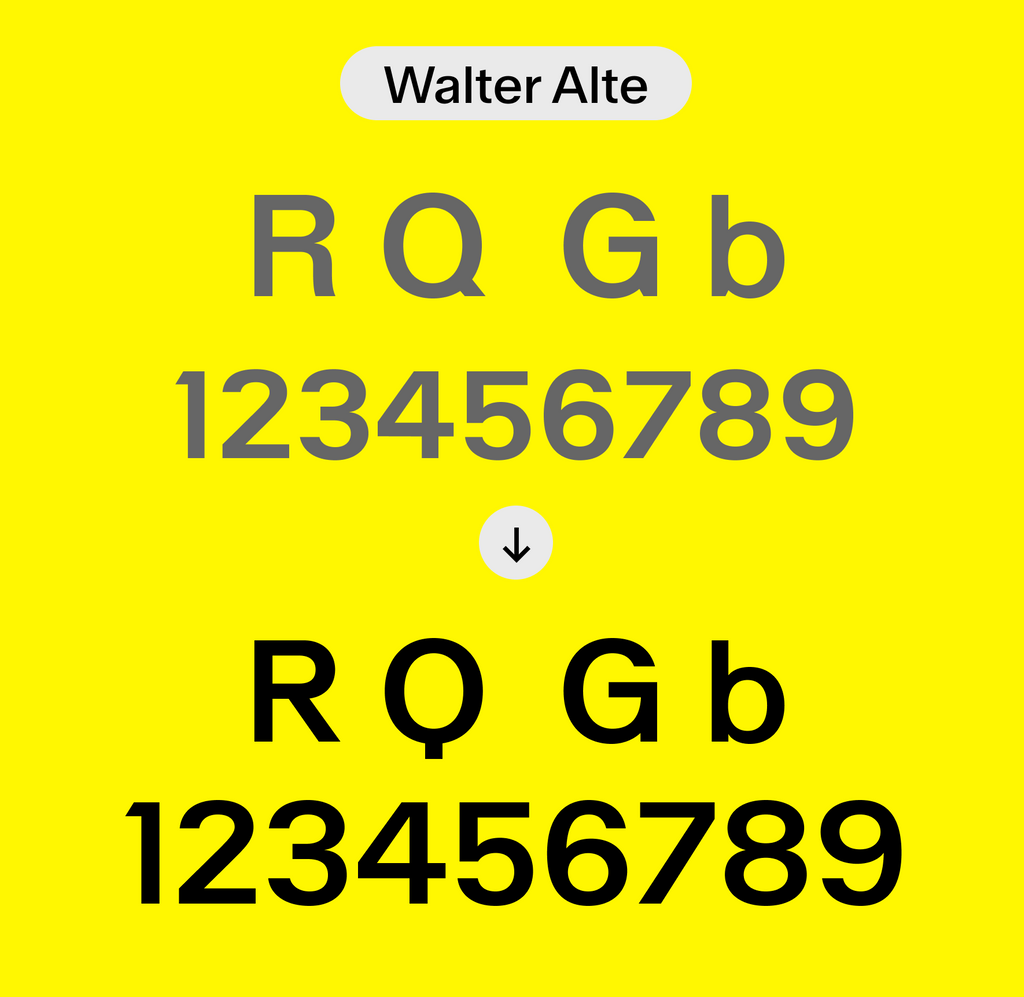
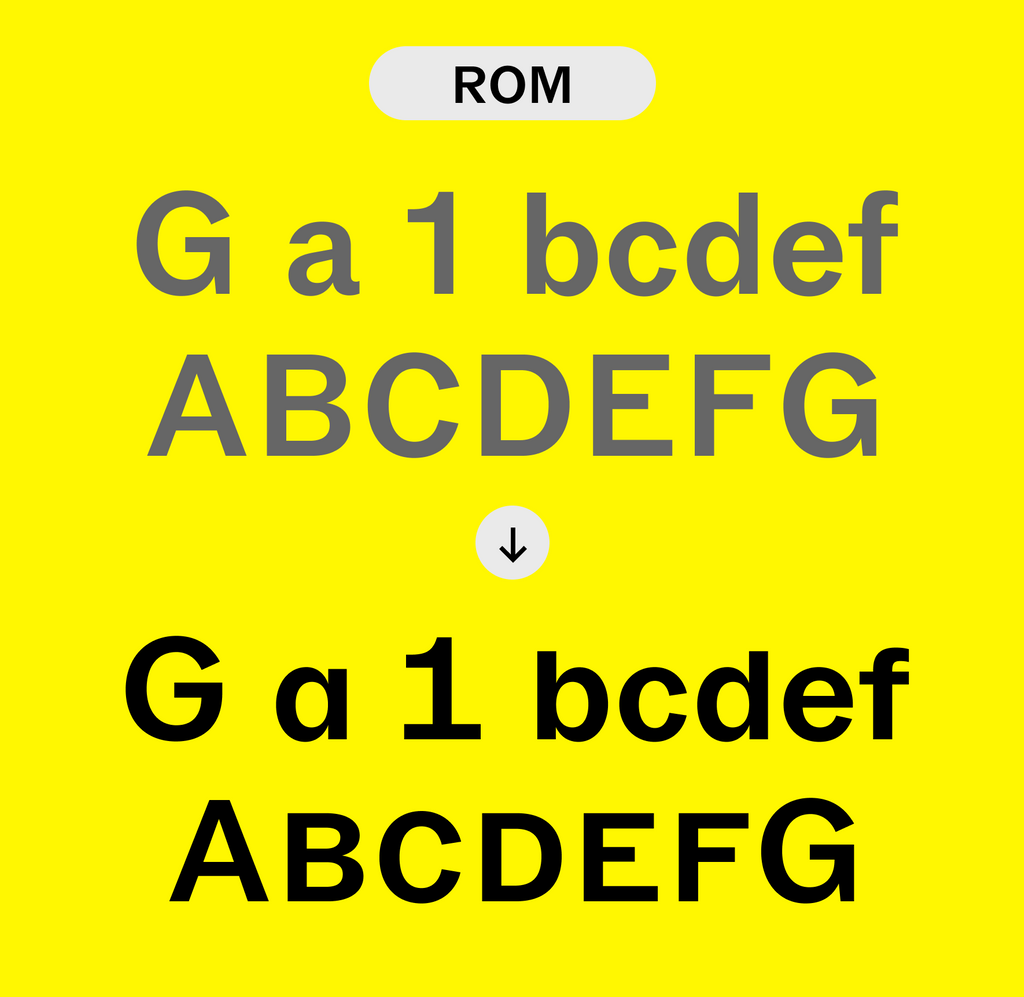
Alternate Characters
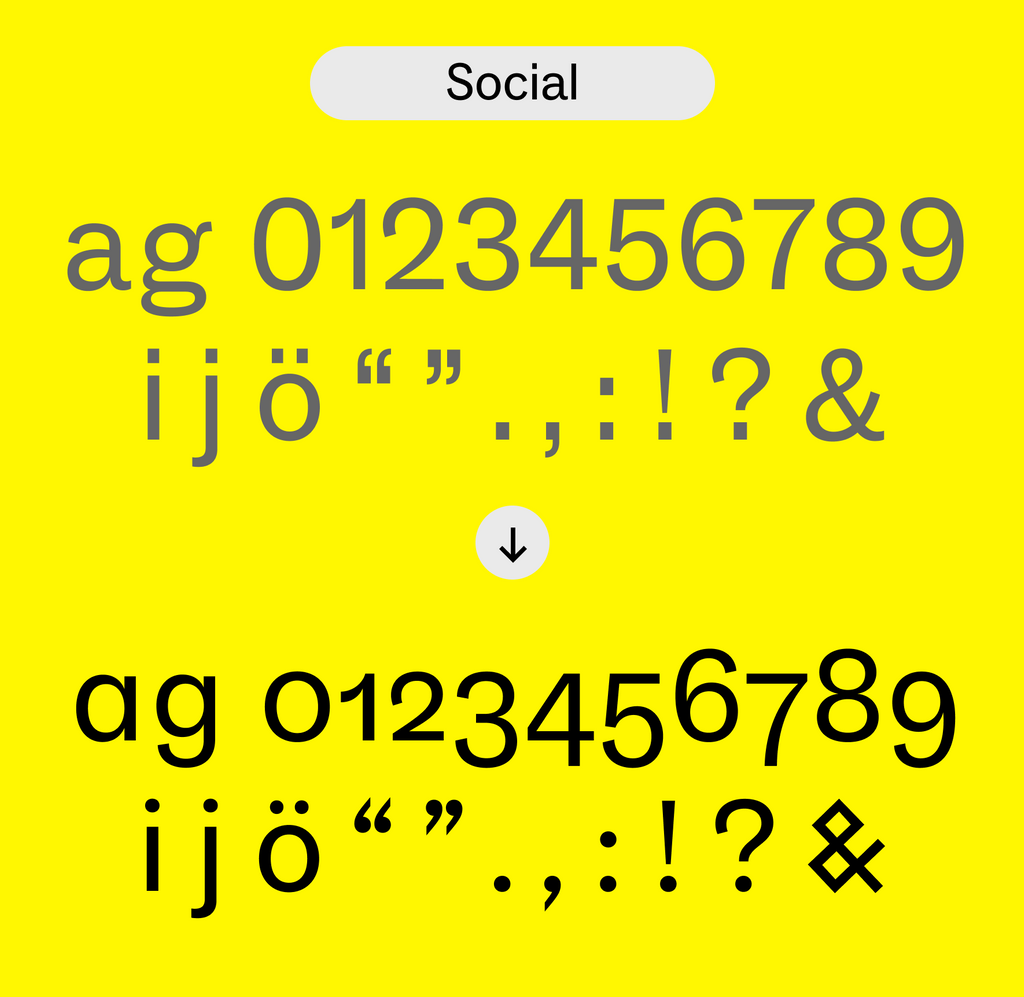
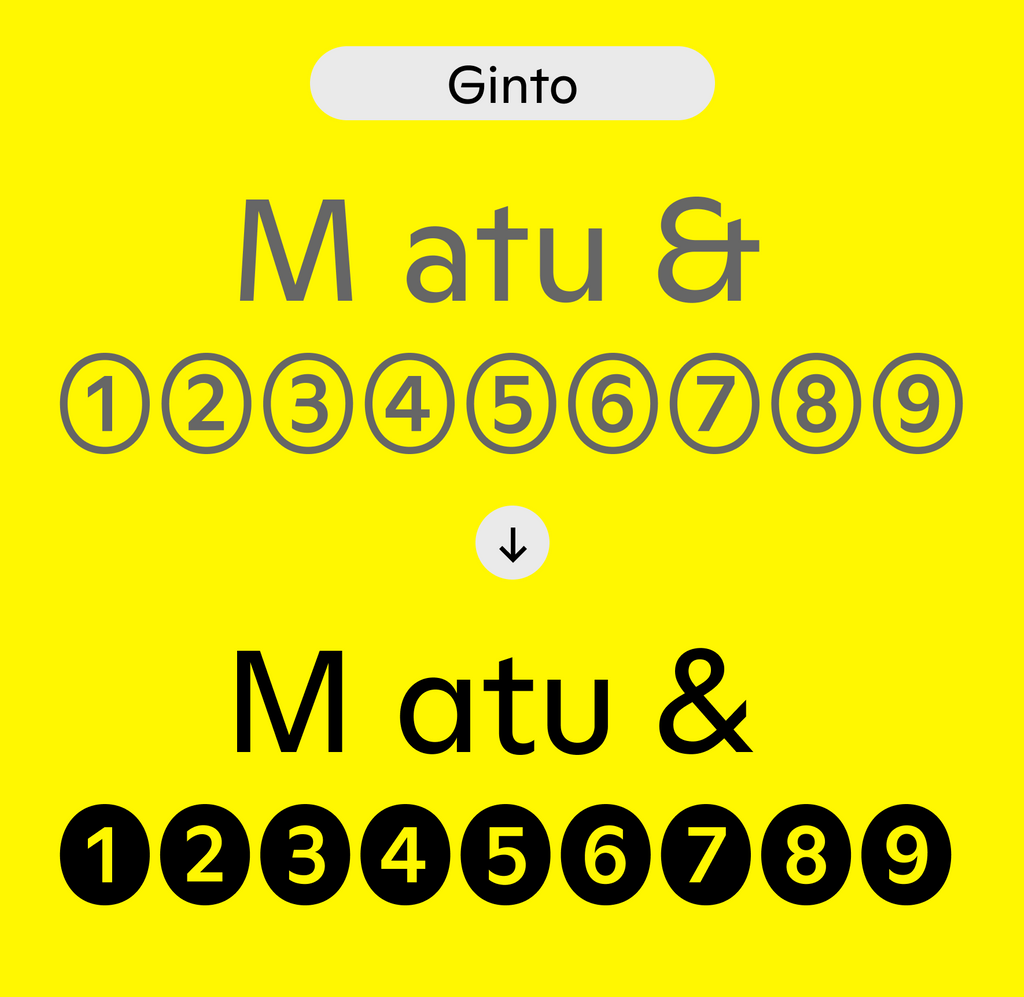
All our fonts come with alternate characters. Below you can see a few options of what you’re able to choose between. Browse our catalog, and start customizing your fonts (:
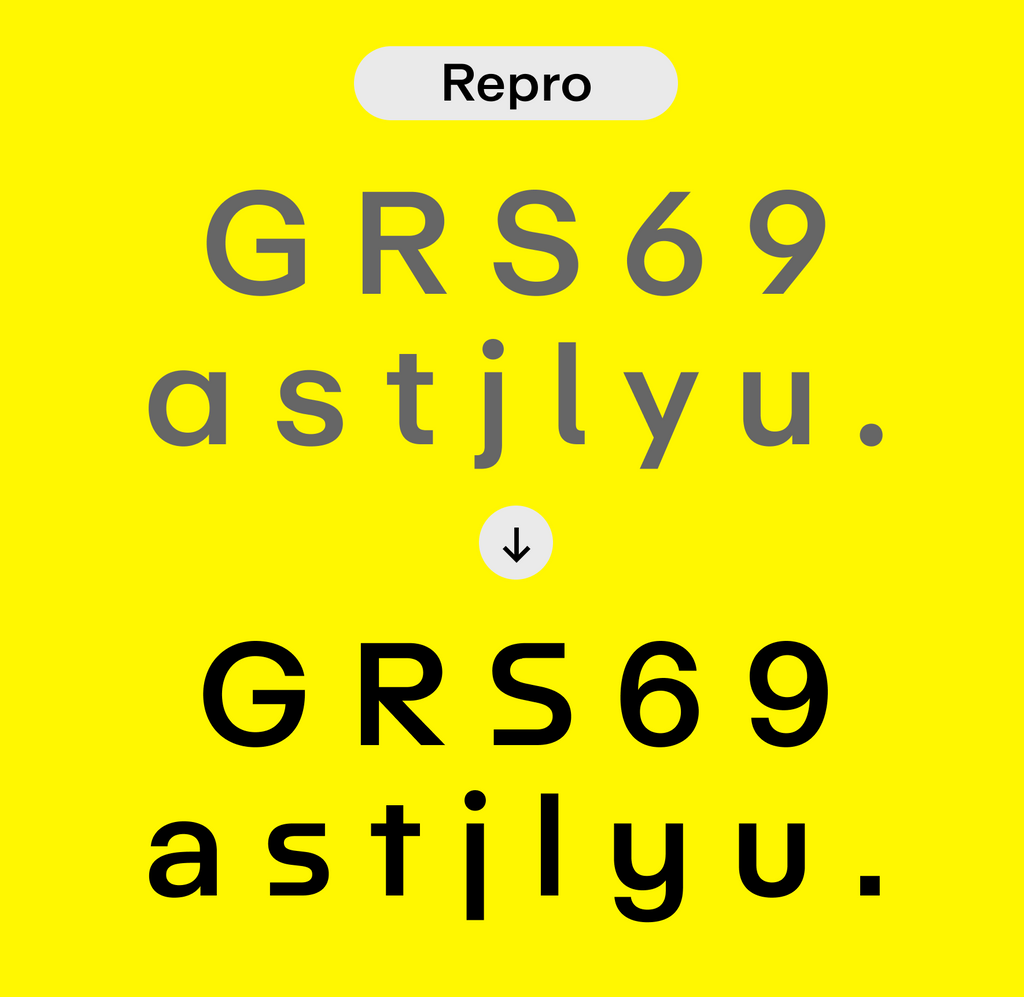
Customize Names
Additionally, you can change the name of the fonts — so not only you’d have your preferred alternates but also a personalized name.
When you install the fonts, they’ll appear in your menu with your chosen name and chosen default characters in all design applications (even Word 😳).
This makes it dead simple for you and your clients to distribute the custom fonts internally and make sure everybody uses the right ones. Beyond how practical that is, it also feels great! We call it the Yassification of font file management.

Select the Custom Name add-on and change the name
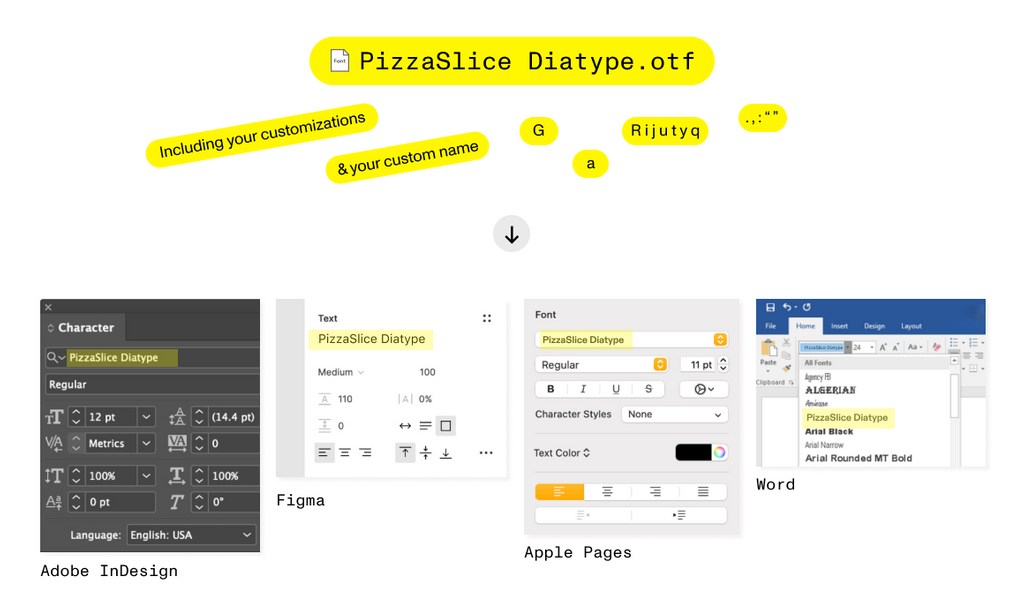
Your custom name will appear across all design applications
Re-Customize any time
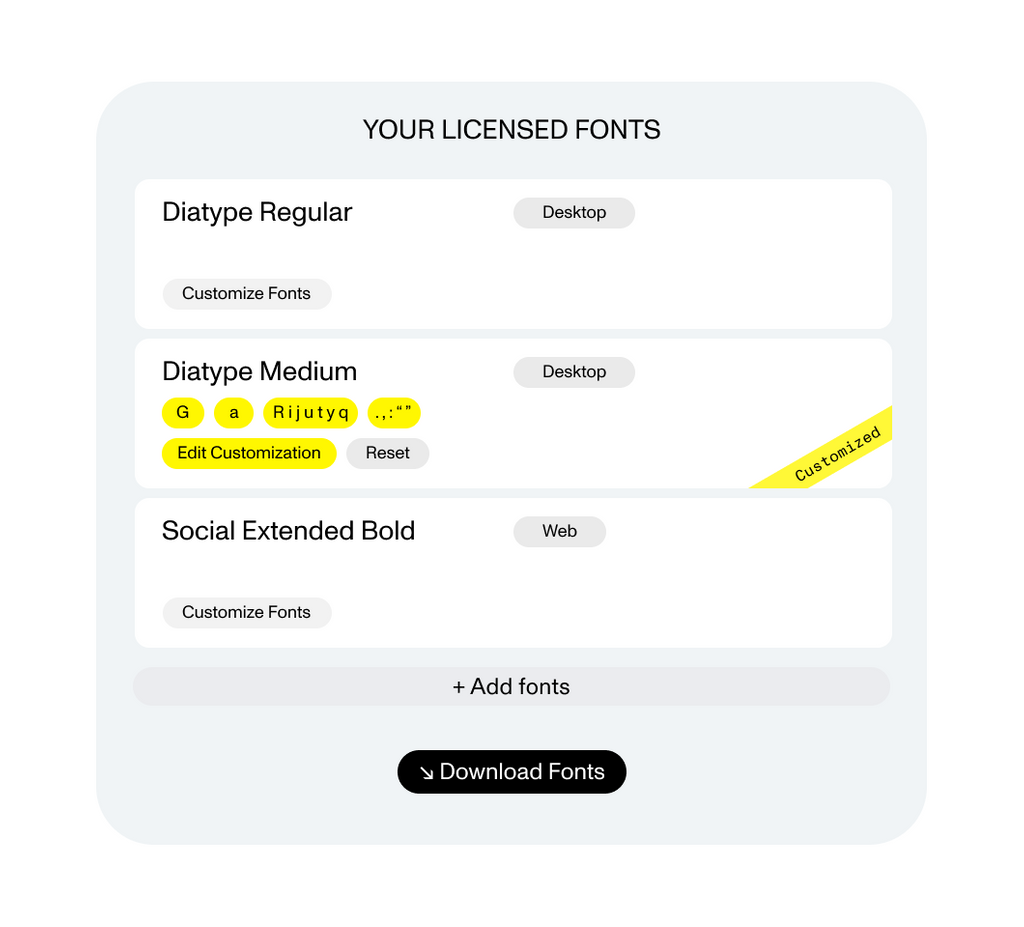
Already downloaded your custom fonts and want to change something? No problem. You can log in to your User Area anytime and simply edit your customization and download a fresh batch of files.